

Online Sellers
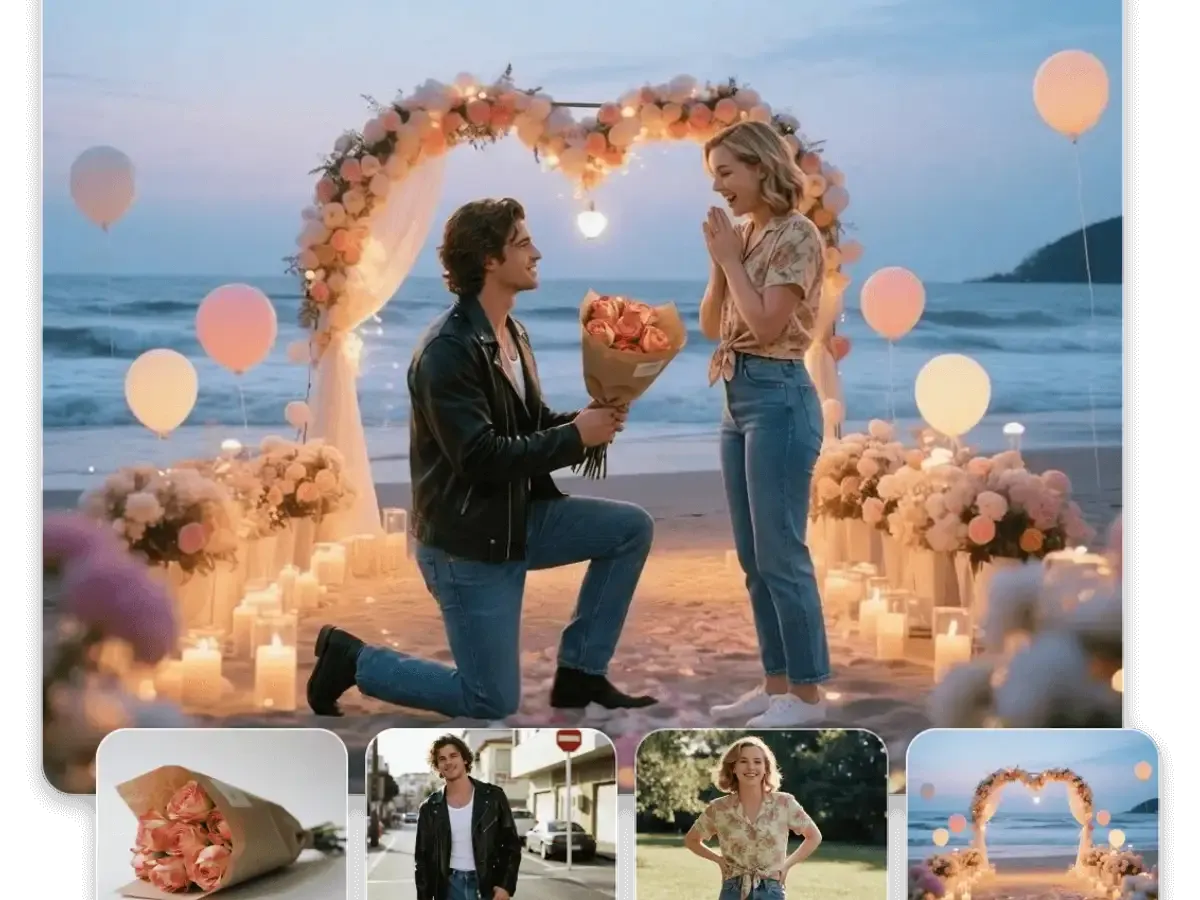
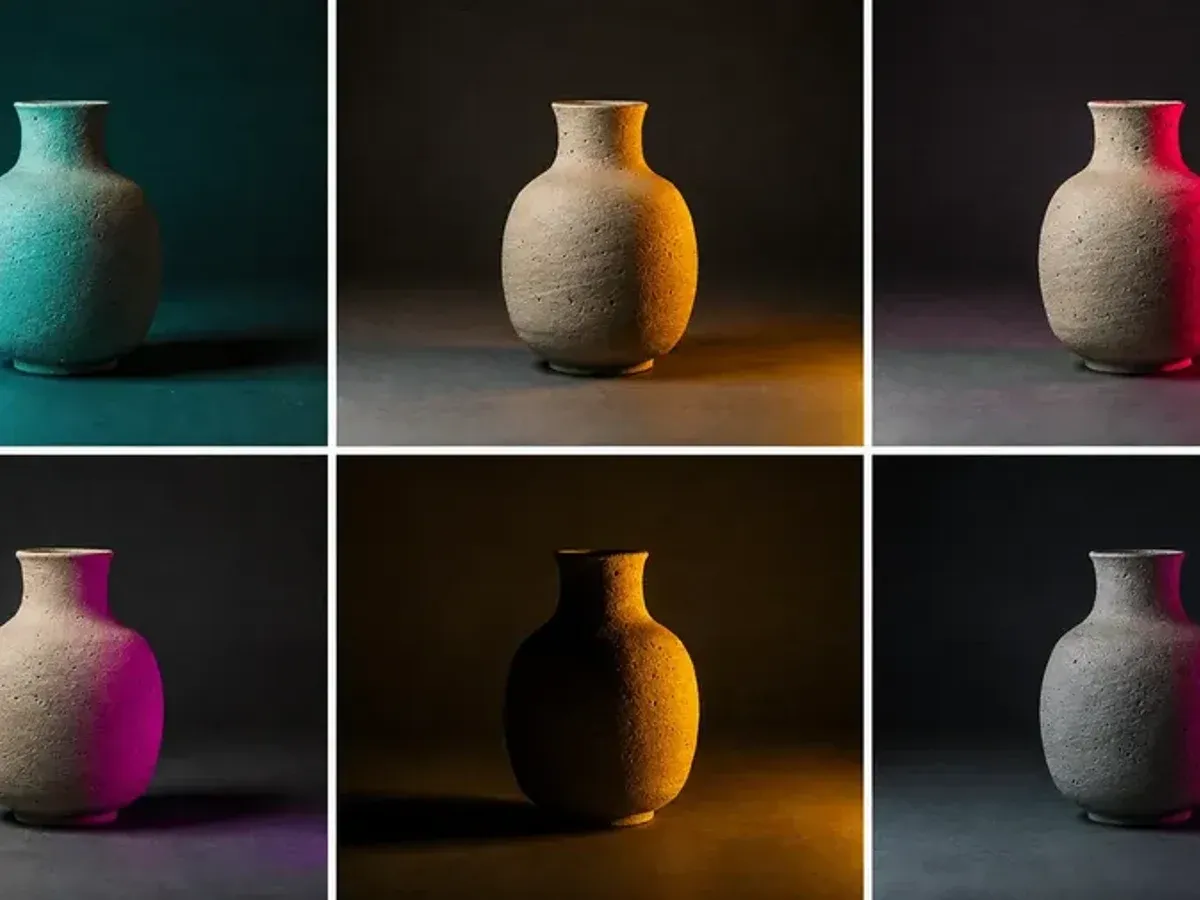
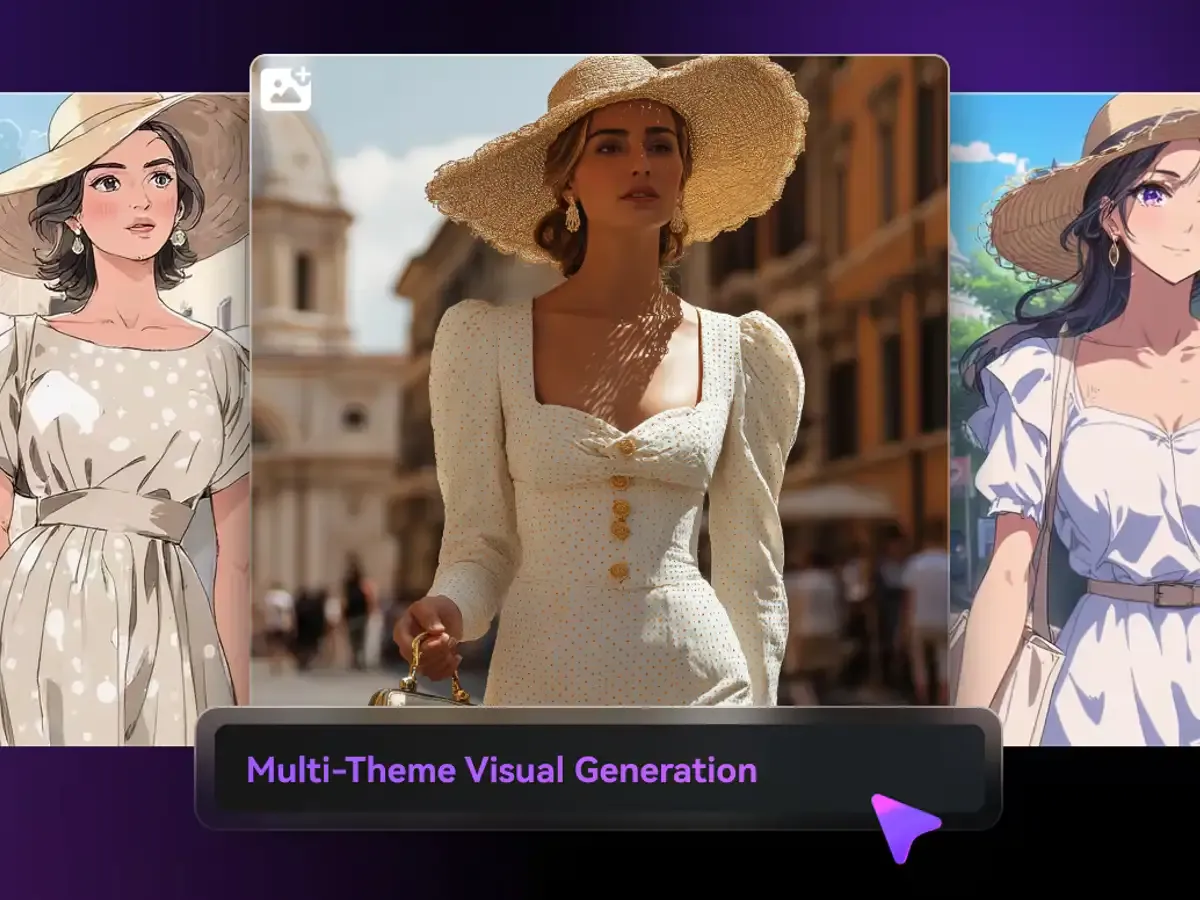
Upload the product shot to Nano Banana 2 as a reference and ask for it on a counter, a desk and a gift table in 1:1.
- Lifestyle shot from a plain photo
- Seasonal backdrop
- Bundle scene
- Listing thumbnail
Make and edit images with Google's Nano Banana models in one studio: Nano Banana 2 free at 1K, Nano Banana Pro for 2K and 4K deliverables, plus Seedream and AI video. Built for designers, marketers and online sellers.
One account, one balance, every Nano Banana model plus Seedream and video.

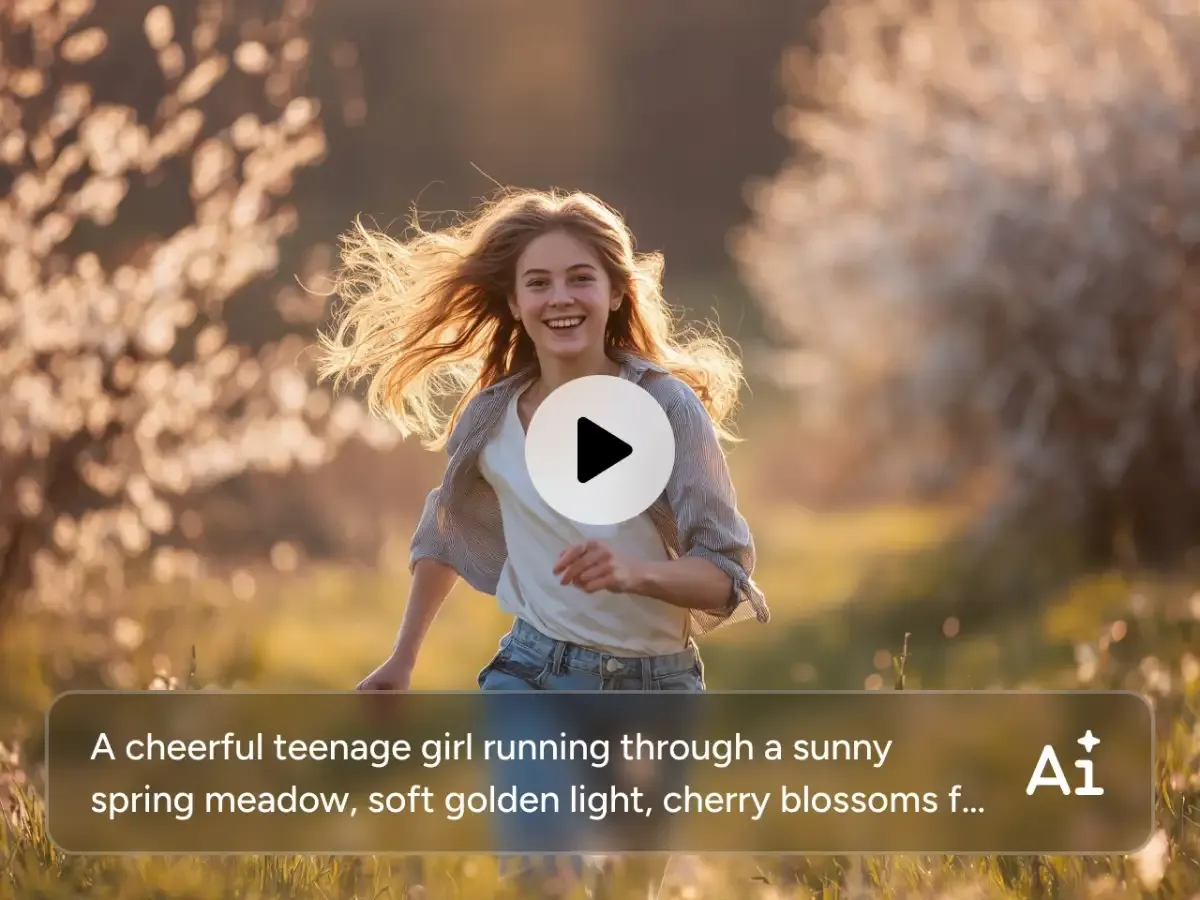
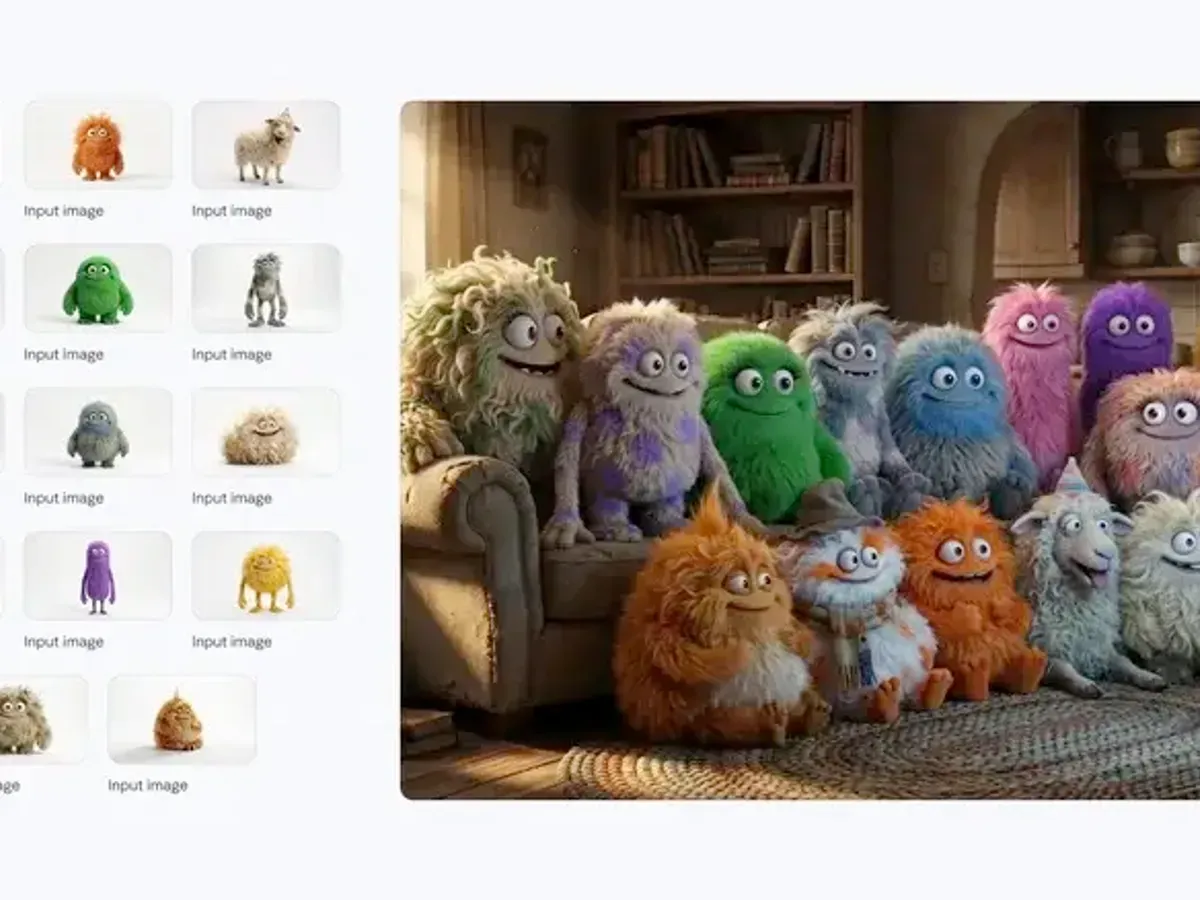
Write a prompt, add up to six reference images and get a 1K image on the free tier. Move to 2K or 4K on a paid plan when the draft is right.

Use the larger model for posters, packaging and campaign heroes, with headline text placed in the layout. Available from the Basic plan; 4K on the Pro plan.

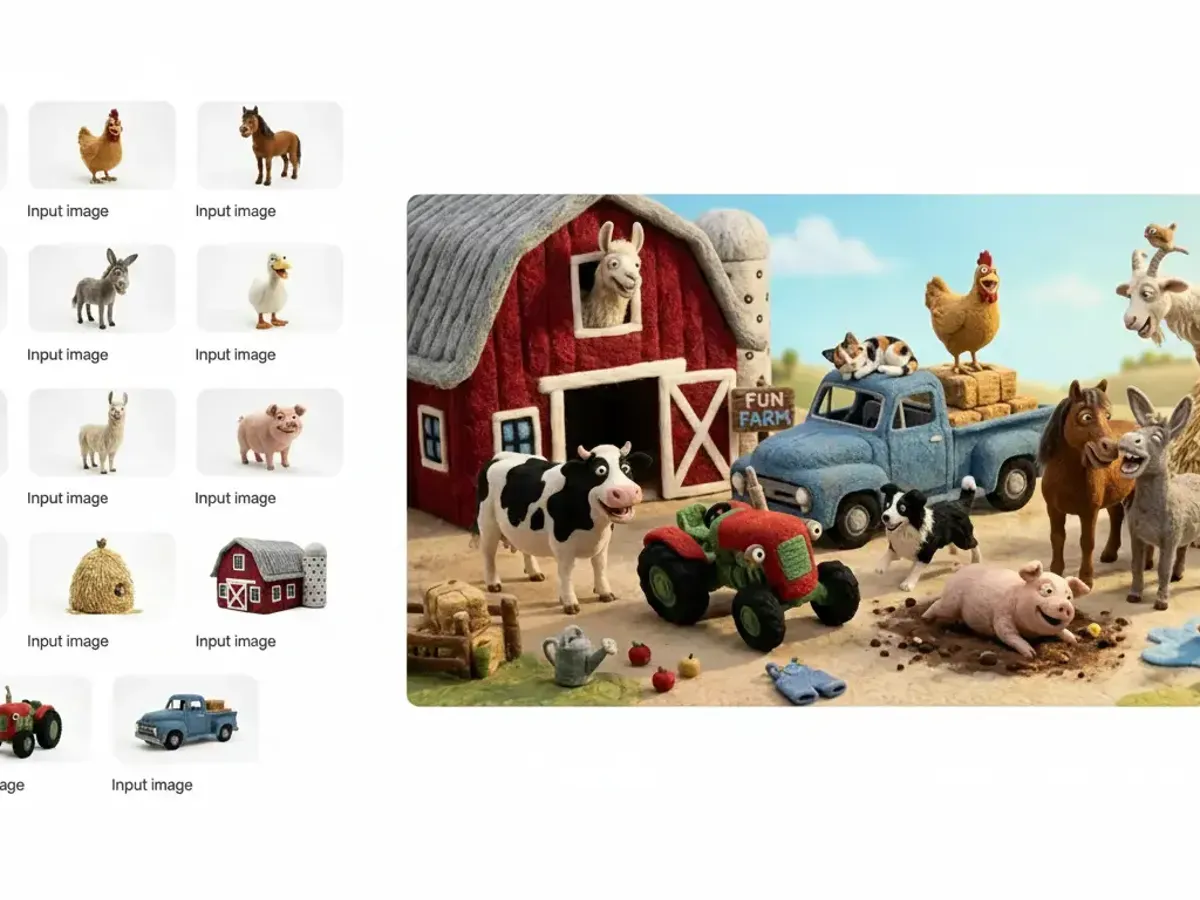
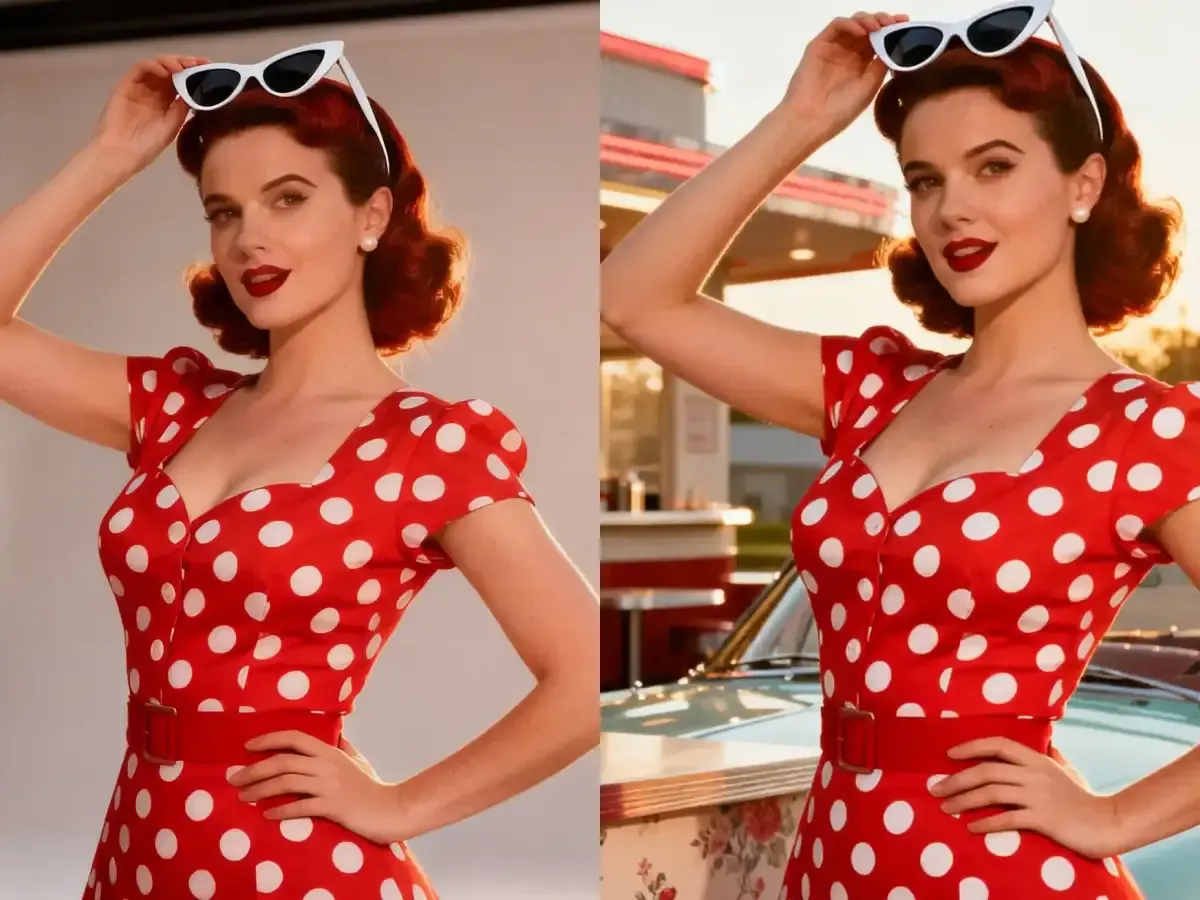
Switch to Nano Banana 1 or Seedream 4.0 and describe the change: new background, new outfit, several photos blended into one scene.

Download a finished image and upload it as the first frame in the video studio. Describe how the subject and the camera should move.
This site is an independent online studio for Google's Nano Banana image models, with ByteDance's Seedream and a set of video models alongside. The workspace on this page opens on Nano Banana 2; the version bar switches to Nano Banana Pro, 2 Lite or the original Nano Banana 1. You write a prompt, which every model requires, and can add reference images to guide subject, colour or layout. Then you choose resolution and aspect ratio. Free accounts can use Nano Banana 2 at 1K, 2 Lite and version 1; Nano Banana Pro starts on the Basic plan, and 4K on the Pro plan. Every result is saved to My Creations, where you can download it, reuse it as a reference, or take it to the video studio as a first frame.
The default model. Free at 1K, with 2K and 4K on paid plans.
The larger model for layouts, text and 4K deliverables.
Edit and blend your own photos with version 1.
Run one prompt on both and choose.
Batches of up to six and photo edits by ByteDance.
Fifteen image model versions in one workspace.
Each tab is a separate capability of the Pro model.
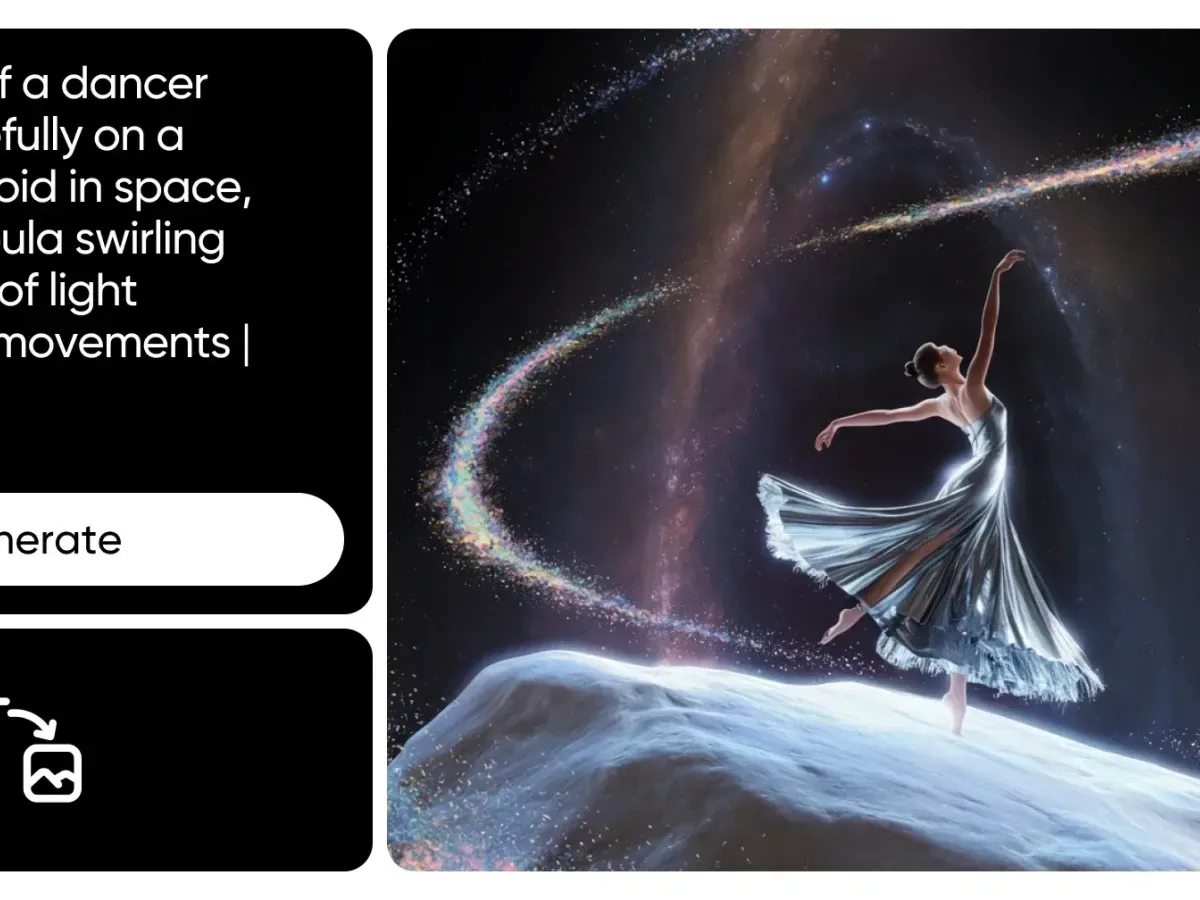
Describe the scene and let Nano Banana 2 or Nano Banana Pro build it, with up to six reference images to steer the look.
Prompt and References
Text plus up to six images.
1K to 4K
Higher sizes on paid plans.
Nine Aspect Ratios
Feed, story, slide and banner.
Six capabilities of the Pro model.
2, Pro, 2 Lite and 1 in one version bar.
On Nano Banana 2, Nano Banana Pro and Seedream.
Up to six on Nano Banana 2 and Pro, ten for edits.
Change a photo by describing the edit.
Animate stills with seventeen video versions.
Every image and clip saved in My Creations.
Google's larger image model for layouts, packaging and print, from the Basic plan.
Three actions from prompt to file.
Describe the image and attach reference photos if you have them.
Keep Nano Banana 2 or switch versions, then set resolution and ratio.
Download from My Creations, reuse as a reference or animate it.
0 / 20000
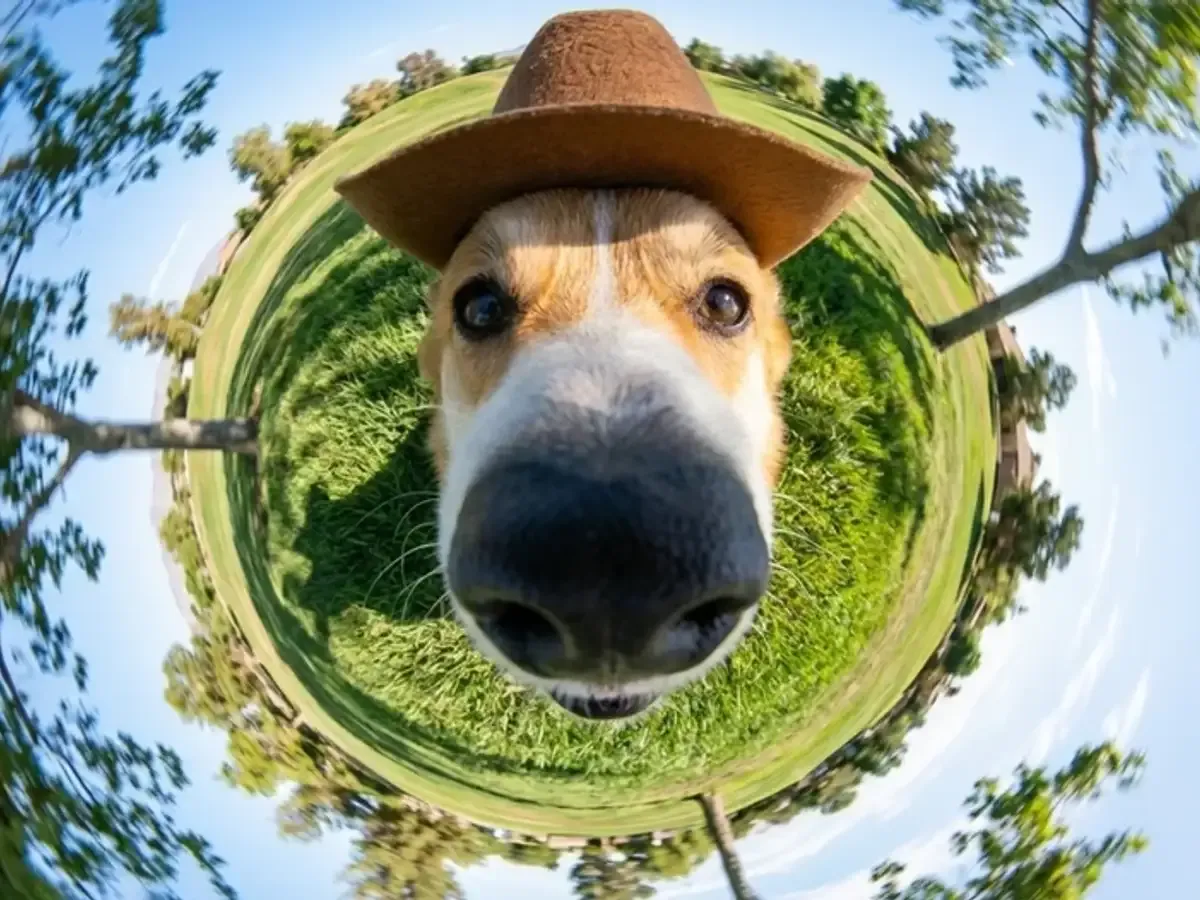
Every page in the studio, with a sample from each.
Three groups, two everyday workflows each.
Upload the product shot to Nano Banana 2 as a reference and ask for it on a counter, a desk and a gift table in 1:1.

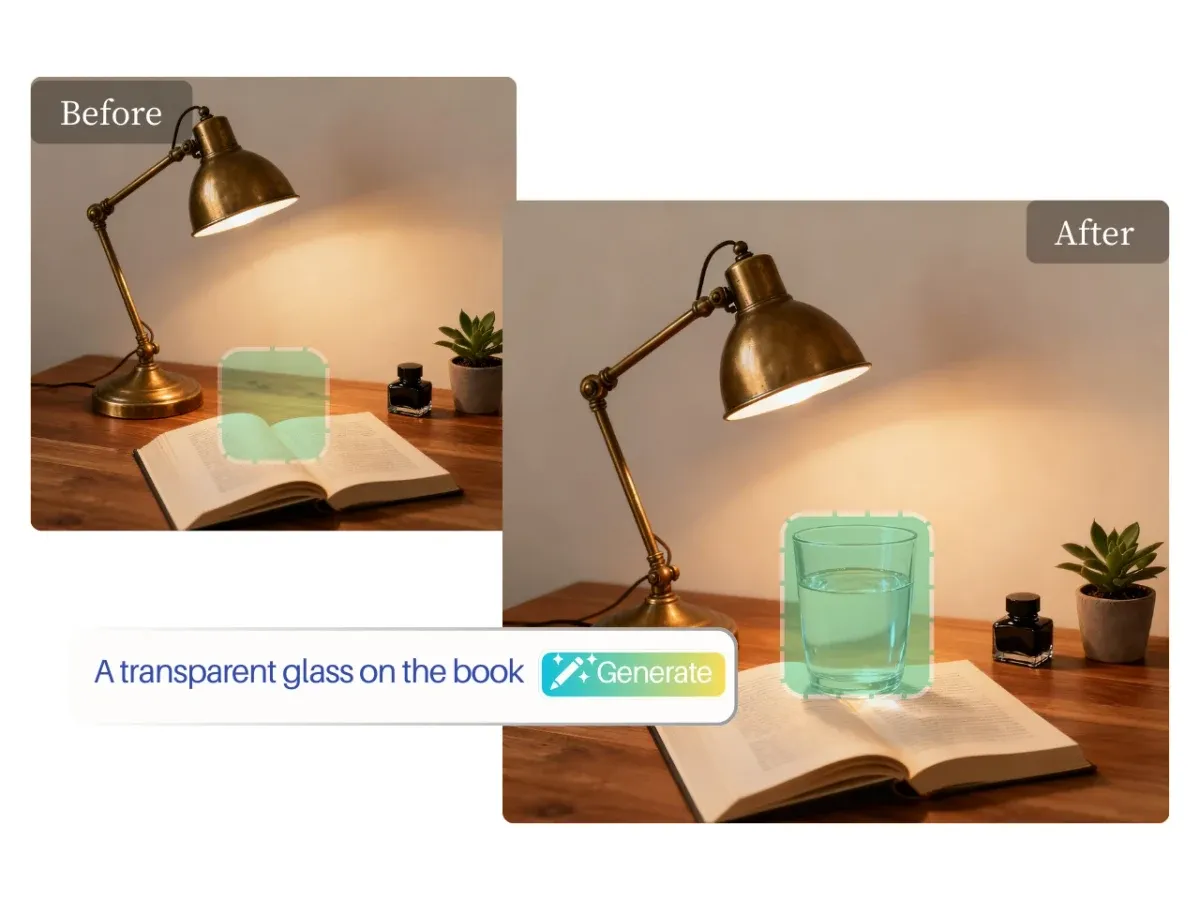
Edit the existing photo with Nano Banana 1 and change only the setting, so the product stays as it is.

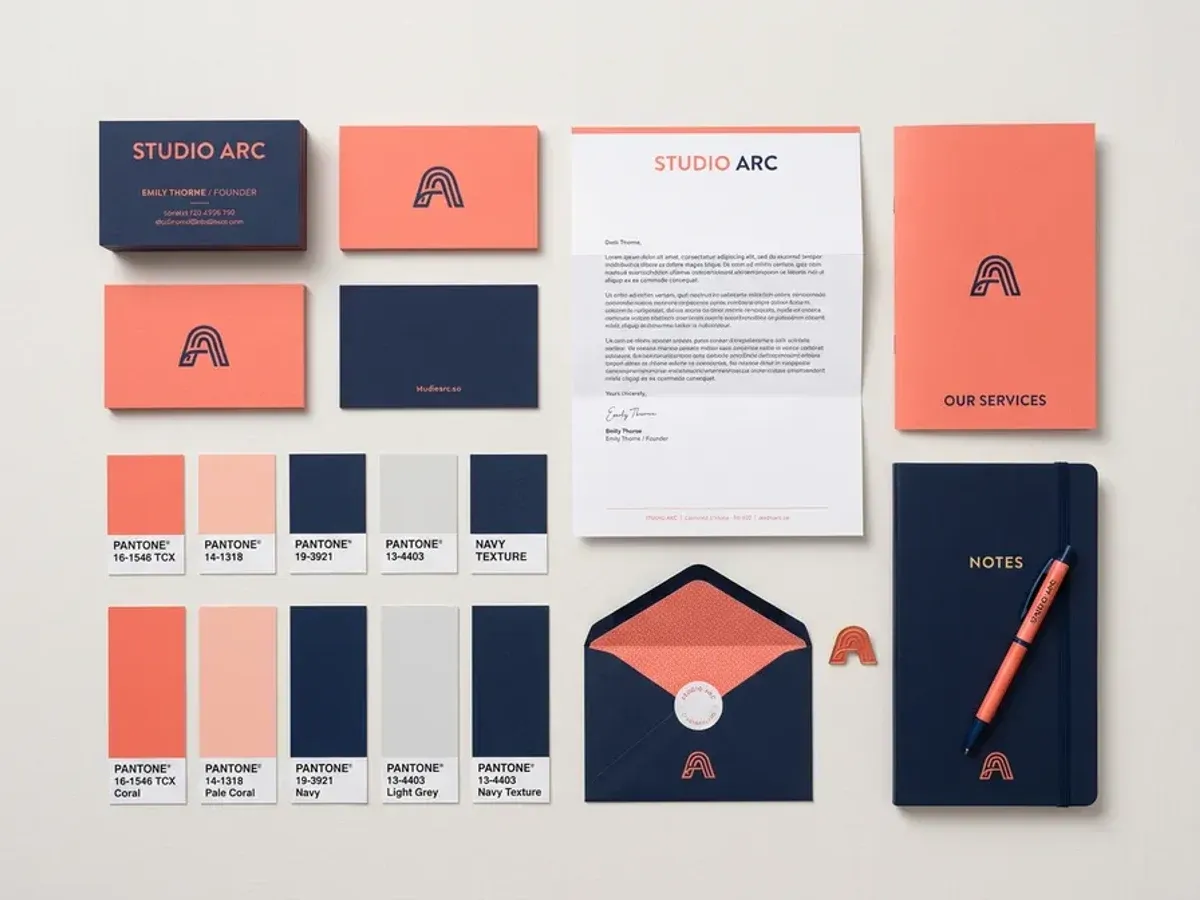
Write the headline in quotes and render with Nano Banana Pro; finish at 4K on the Pro plan when the layout is approved.

Ask Seedream 4.0 for a batch of four, pick the strongest and rerun it on the model that handles the detail best.

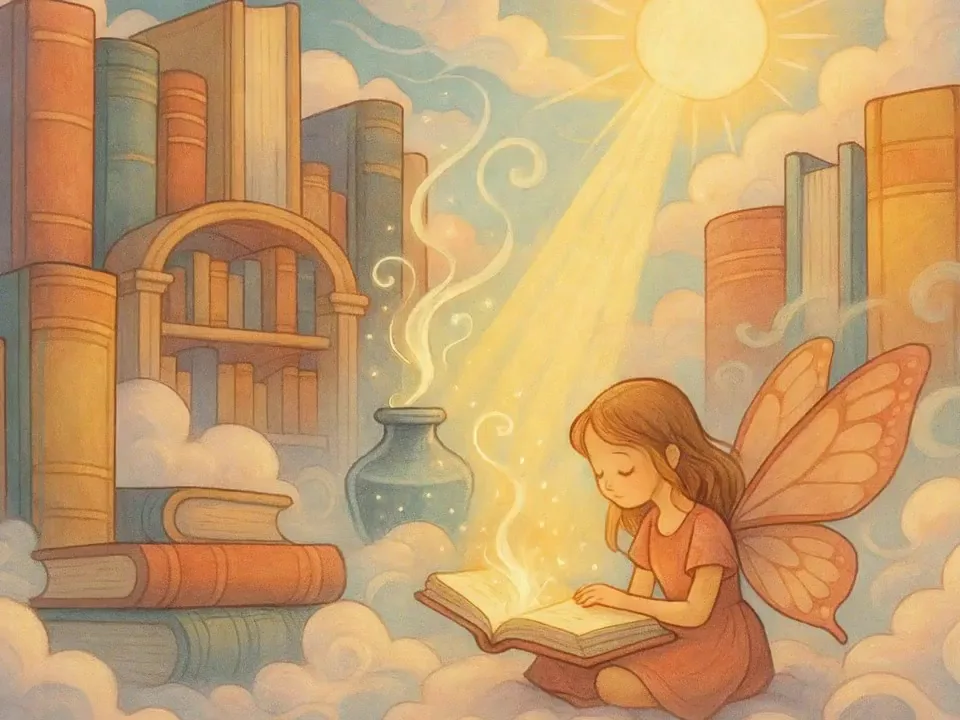
Write one prompt per theme and render in 1:1 and 9:16 with Nano Banana 2, reusing style words to keep the feed consistent.

Take the approved image to the video studio as a first frame and describe a slow camera move for a short ad.
The site, the models and how plans work.
No. Nano Banana Pro Studio is an independent online studio that runs Google's Nano Banana models, along with ByteDance's Seedream and several video models. It is not operated by Google.
Nano Banana 2, Nano Banana Pro, Nano Banana 2 Lite and the original Nano Banana 1, all in one version bar. Each also has its own page if you prefer a single model.
The studio opens on Nano Banana 2. Click Pro in the version bar above the prompt box; Nano Banana Pro needs a Basic plan or above.
Yes. Download it from My Creations and upload it as the first frame on the AI Video Generator page, then describe the motion. There is no automatic transfer.
Higher resolutions are plan features. On Nano Banana 2, 2K needs a Basic plan and 4K a Pro plan; on Nano Banana Pro, 4K needs a Pro plan.
Image models can still slip on letters. Put the exact words in quotes, keep lines short, and rerun or fix the text in a design tool; always proofread before publishing.
Commercial use follows our Terms of Service and your plan. You are responsible for rights in anything you upload and for checking each result before you publish it.
Every generation uses credits, shown before you run it. New accounts get 10 credits once, valid for 30 days. Paid plans add monthly or yearly credits and open larger models and resolutions; see Pricing for details.
Email [email protected]
Get help
Within 24 hours