Nano Banana Pro

What People Make First with Nano Banana 2

Three jobs where the default model earns its place.

Nano Banana 2 campaign draft of an SUV on a coastal road with a headline
01 / 03

Draft a Campaign Visual Before the Brief Is Final

Describe the scene, the light and the mood, and get a 1K draft you can share the same afternoon. When the idea holds, rerun the prompt at 2K or 4K on a paid plan instead of starting over.

Nano Banana 2 skincare tube moved from a plain shot into a store listing scene
02 / 03

Keep a Product Looking Like Itself

Upload your own product shots as references and the model uses them to guide shape, colour and labels in a new setting. Check the result against the real item before it goes live.

Nano Banana 2 one outfit portrait rendered in seven aspect ratios
03 / 03

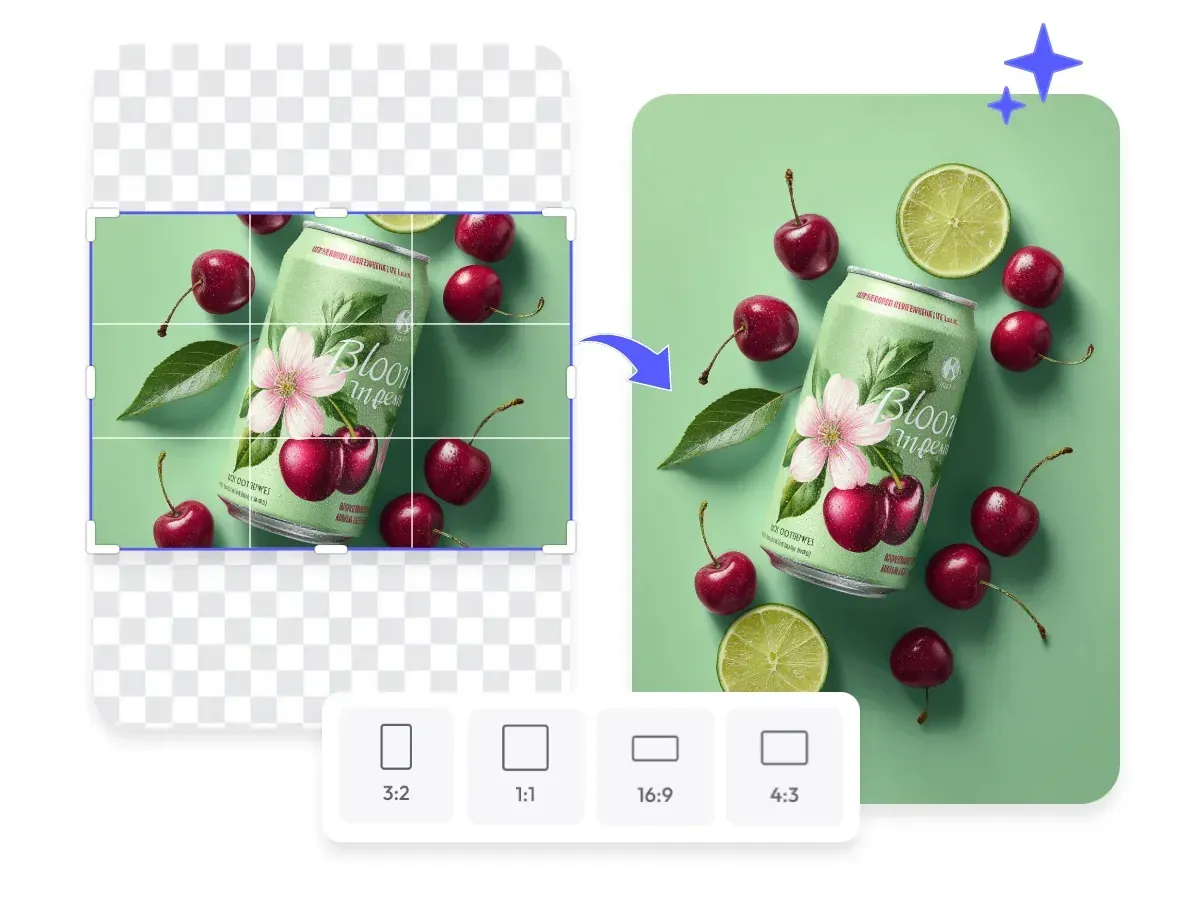
Fill Every Format from One Prompt

Square for the feed, 9:16 for stories, 21:9 for a banner. Nine aspect ratios let one prompt cover a whole set of placements without cropping away the subject.

How Nano Banana 2 Works Here

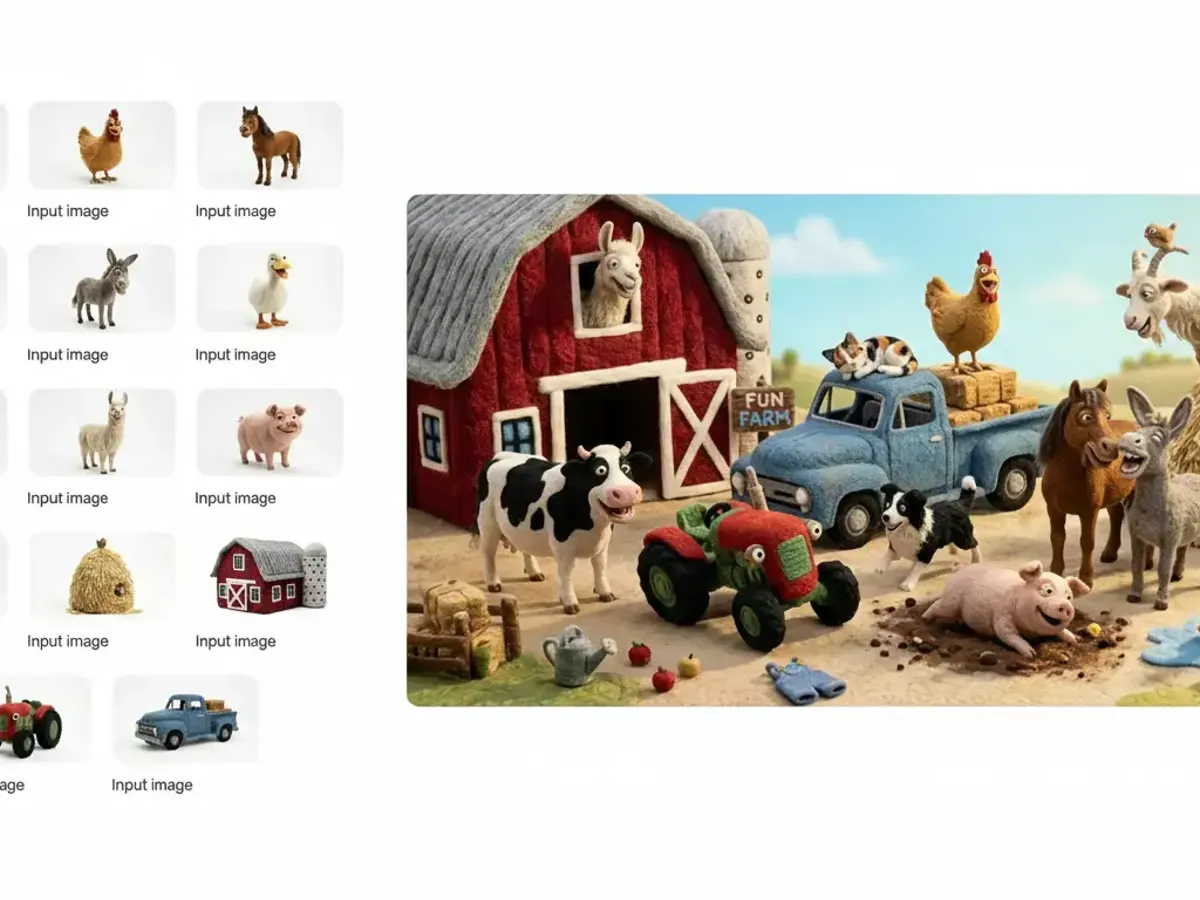
Nano Banana 2 is Google's general-purpose image model, and here it runs in a locked workspace so the page and the model always match. You type a prompt, which is required, and can attach up to six reference images to steer subject, colour or layout. Then you pick a resolution and an aspect ratio: 1K is open on the free tier, 2K needs a Basic plan and 4K a Pro plan. The model reads the prompt and the references together and returns one image, saved to My Creations for download or reuse as the next reference. Nano Banana Pro and the Nano Banana 1 editor have their own pages.

Nano Banana 2 reference images of farm animals combined into one farm scene

Three Ways to Steer Nano Banana 2

Each tab is a separate control you have over the result.

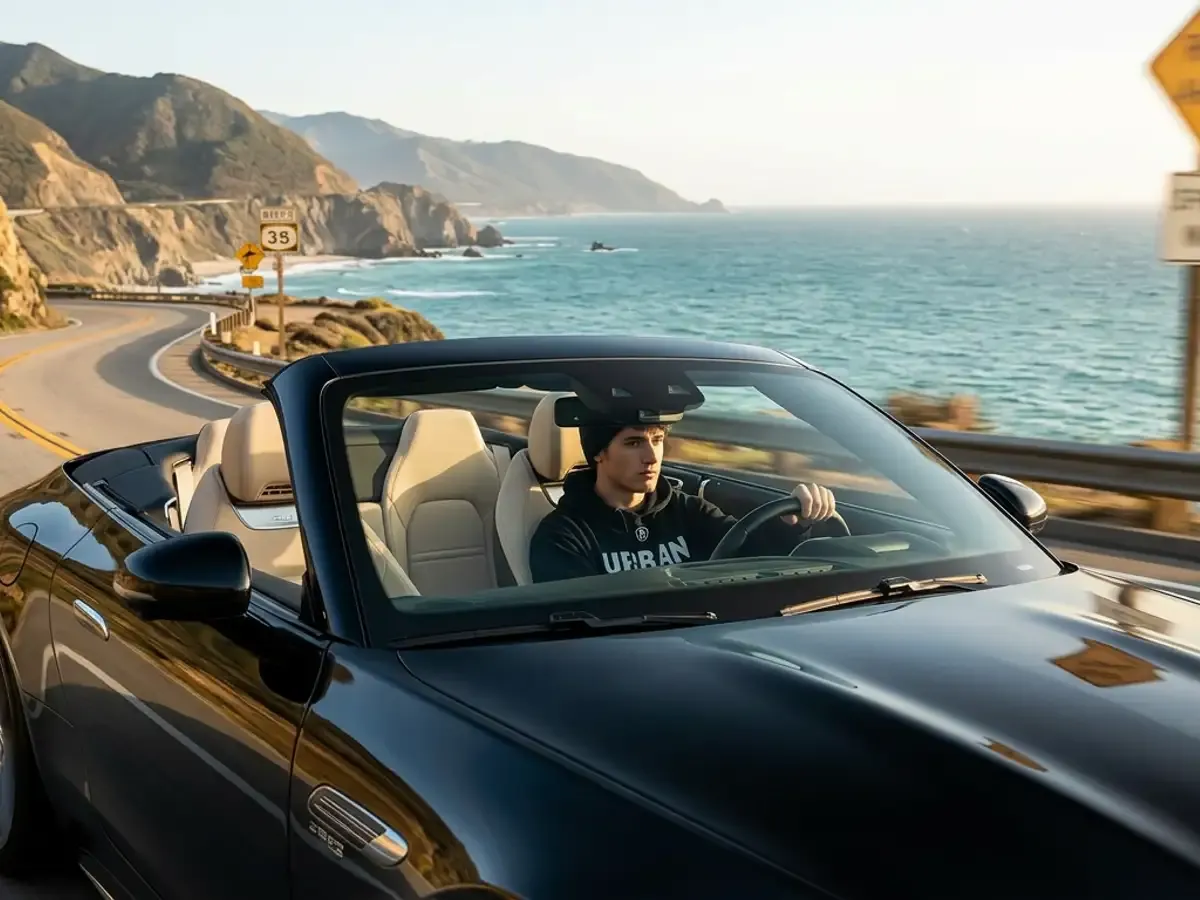
Nano Banana 2 image from a text prompt of a convertible on a coastal highway

Prompt-Only Generation

Start from text alone. The model builds the whole scene from your description, so subject, setting, light and style all come from the words you choose.

What you control

  • Plain-Language Prompts

    Describe the scene.

  • Style in the Prompt

    Ask for photo, illustration or flat graphic in words.

  • Fast Reruns

    Adjust one phrase and generate again to compare.

What Nano Banana 2 Brings to the Studio

Six capabilities of the default model.

01

Google's Image Model

Part of Google's Gemini image family.

02

Six Reference Slots

Guide a render with up to six of your own images.

03

Up to 4K

Render at 1K, 2K or 4K from the same prompt.

04

Nine Aspect Ratios

Square, portrait, landscape, ultrawide and auto.

05

Text in the Image

Short headlines and labels can be part of the scene.

06

Saved to My Creations

Every render is kept for download and reuse.

Who Uses Nano Banana 2, and for What

Three groups, two workflows each.

Product photography setup with a light and white backdrop

Online Sellers · Build a Listing Image Set

Upload the product photo you already have, then ask for the same item on a counter, a desk and a gift table, in the 1:1 frame marketplaces expect.

Typical jobs

  • Lifestyle shot from a white-background photo
  • Seasonal backdrop for the same product
  • Bundle scene with three items
  • Square thumbnail for the listing grid
Large sale sign on a shopping street

Online Sellers · Make a Sale Banner

Pick 21:9, describe the promotion and the product, and get a wide banner with room for your headline. Proofread every word in the image before publishing.

Typical jobs

  • Weekend sale banner
  • New-arrival hero image
  • Free-shipping strip
  • Holiday store header
Monthly calendar and coffee cup on a desk

Social Media Managers · Plan a Week of Posts

Write one prompt per theme and render each in 1:1 and 9:16. Reusing the same style words and reference image keeps the week looking consistent.

Typical jobs

  • Monday quote card
  • Behind-the-scenes mood image
  • Story background for an announcement
  • Carousel cover in brand colours
Hand scrolling a photo feed on a smartphone

Social Media Managers · Resize a Hit for Every Feed

Use the post that worked as a reference and ask for the same scene in a new aspect ratio rather than stretching the original file.

Typical jobs

  • Feed post to story
  • Story to wide header
  • Square to 4:5 portrait
  • Thumbnail for a video upload
Teacher presenting to a classroom

Teachers and Trainers · Illustrate a Lesson

Describe the concept in plain words and turn it into a clear picture for slides or handouts. 1K is usually enough for a classroom screen.

Typical jobs

  • Diagram-style scene for a science topic
  • Historical setting for a reading
  • Character art for a story time
  • Cover image for a worksheet
Trainer presenting slides at a workshop

Teachers and Trainers · Make Workshop Visuals

Use 16:9 for slides and add a photo of your venue or product as a reference so the details stay familiar to the room.

Typical jobs

  • Title slide background
  • Scenario image for a role play
  • Product photo in use
  • Closing slide visual

How to Use Nano Banana 2

Three actions from prompt to download.

  1. 01
    Step

    Describe the Image

    Write the prompt and, if you like, upload up to six reference images.

  2. 02
    Step

    Pick Size and Shape

    Choose 1K, 2K or 4K and one of nine aspect ratios.

  3. 03
    Step

    Generate and Save

    Run Nano Banana 2, then download from My Creations or reuse as a reference.

Nano Banana 2 Questions

Access, limits and cost before your first render.

Is Nano Banana 2 free to use?

You can start free. New accounts receive 10 credits once, valid for 30 days, and a 1K image costs 8 credits, so your first render is covered. 2K needs a Basic plan and 4K a Pro plan.

How do I use Nano Banana 2 online?

Sign in, type a prompt in the generator above, choose a resolution and aspect ratio, and press generate. Nothing to install; results are saved to My Creations.

Why does my Nano Banana 2 image leave out details from my prompt, and how should I revise it?

Long prompts can hold competing instructions. Lead with the subject and the one or two details that matter most, cut anything that contradicts them, and run again.

Can I add reference images to guide Nano Banana 2?

Yes, up to six. They are used together with your prompt, which is still required and decides what happens in the scene.

Why doesn't my Nano Banana 2 result follow the reference image closely?

References guide the render rather than copy it. Use clear, well-lit photos, describe the item in the prompt too, and drop references that disagree with each other.

When is it worth switching from Nano Banana 2 to Nano Banana Pro?

When you are on a paid plan and want a second model's take on the same prompt, especially for text-heavy layouts. Run it on the Nano Banana Pro page and keep whichever result fits.

Nano Banana Pro

Have an Idea for an Image?