Nano Banana Pro

When to Leave the Default Model

Three moments when switching models in the AI image generator pays off.

AI beauty portrait framed by flowers and fruit slices
01 / 03

Stay on Nano Banana 2 Until Something Blocks You

Most briefs work on the default: prompt, optional references, 1K free. Switch only when a result keeps missing the same thing after two rewrites.

Image-to-image edit turning a casual photo into a business portrait
02 / 03

Switch for the Input You Have

Got one photo to rework, or several to merge? Pick a model with an image-to-image or edit mode. Text-only models such as GPT Image 4o and Z-Image skip reference uploads.

AI product hero shot of a smartwatch on a dark reflective surface
03 / 03

Switch for the Output You Need

Need 4K? Nano Banana and Seedream offer higher resolutions on paid plans. Need a quick batch of drafts? Some models return several images per run.

How This AI Image Generator Is Organised

This AI image generator holds fifteen model versions in one workspace, from Google's Nano Banana family to ByteDance's Seedream, OpenAI's GPT Image, Black Forest Labs' Flux, Alibaba's Qwen, Z-Image and xAI's Grok Imagine. It opens on Nano Banana 2. The version bar lists the others, and each one brings its own modes, sizes and settings, so the controls below the prompt change when you switch. Every model needs a prompt. Most also accept reference images through an image-to-image or edit mode. Most versions are open on the free tier, with higher resolutions or larger models on paid plans. Results go to My Creations.

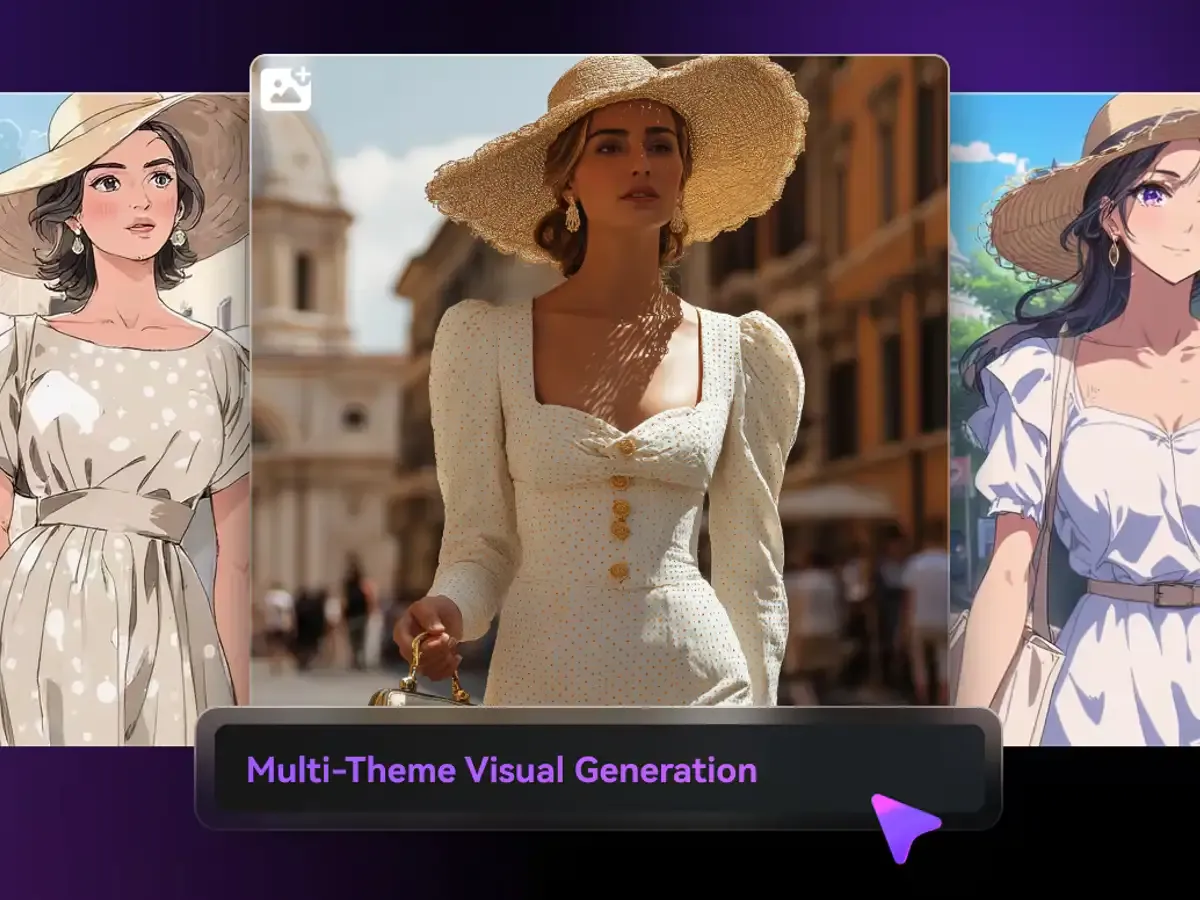
One portrait rendered in fashion, photo and anime styles

Three Ways to Work in the AI Image Generator

Each tab is a distinct input route.

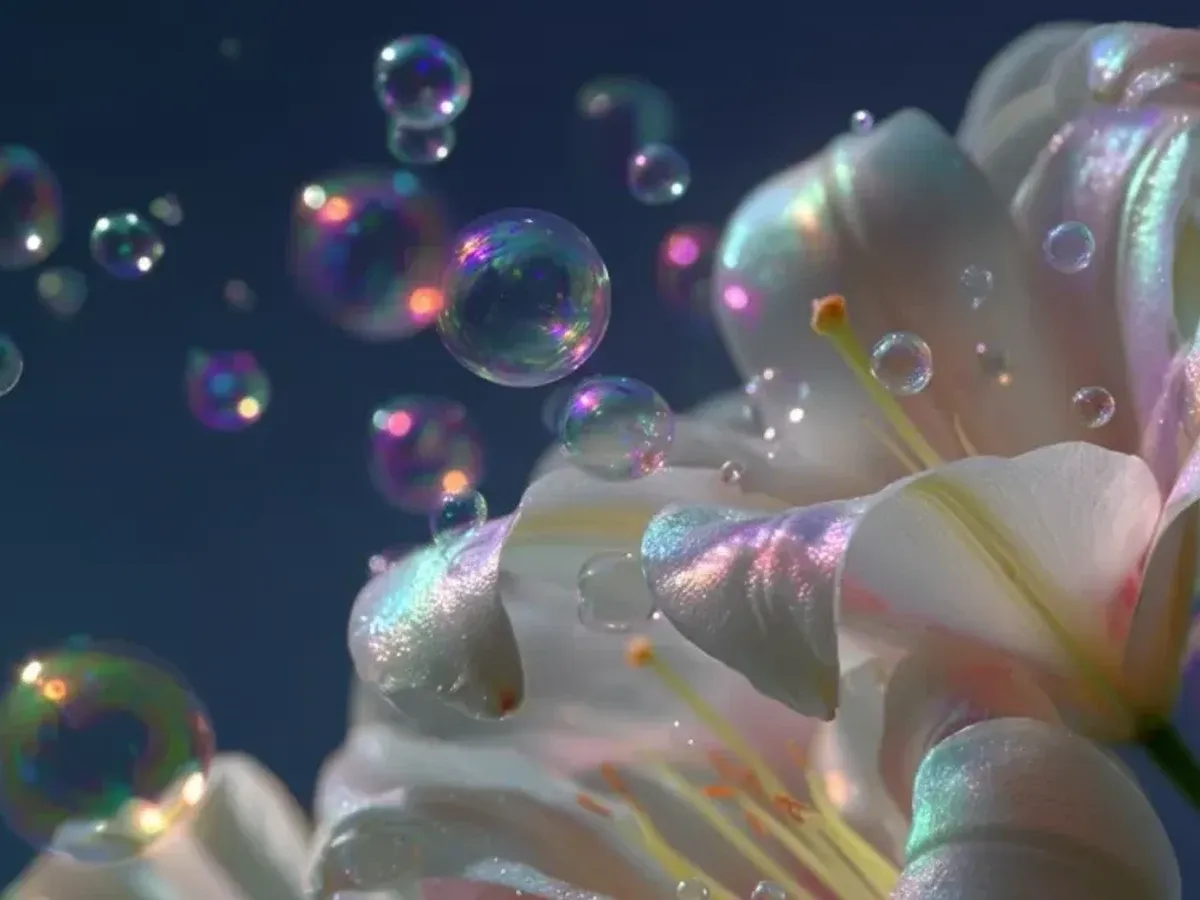
AI macro image of soap bubbles beside white petals

Text to Image

Every model can build an image from a prompt. Start on Nano Banana 2 and compare a second model only when the first misses.

How it works

  • One Prompt Box

    The same prompt carries across model switches.

  • Fifteen Versions

    Seven model families in one list.

  • Retry on Another Model

    Keep the wording, change the engine.

What the AI Image Generator Gives You

Six capabilities across the model list.

01

Seven Model Families

Google, ByteDance, OpenAI, Black Forest Labs, Alibaba and more.

02

Nano Banana by Default

Opens on the site's main model.

03

Reference Uploads

Image-to-image on most models.

04

Up to 4K Output

On selected models and plans.

05

Free-Tier Models

Most versions run without a paid plan.

06

One Library

Results from every model in My Creations.

Who Uses the AI Image Generator

Three groups, two workflows each.

Empty apartment room with wooden floor ready for virtual staging

Real Estate Agents · Stage an Empty Room

Upload a photo of the empty room, pick an image-to-image model and describe the furniture style. Label staged photos as virtual staging in listings.

Typical jobs

  • Empty lounge with modern furniture
  • Bedroom in two styles
  • Patio set for summer
  • Home office corner
House front with a pool on a sunny day

Real Estate Agents · Make an Open House Flyer Image

Use a wide format and describe the house front at golden hour, then add your text in a design tool. Keep the image honest to the property.

Typical jobs

  • Front-of-house hero
  • Neighbourhood mood image
  • Social post announcing the open house
  • Window card background
Phone photographing a plated dish at a restaurant table

Café and Restaurant Owners · Show a New Dish

Photograph the plate on your phone, then use image-to-image to clean the background and light it like a menu shot.

Typical jobs

  • Menu photo from a phone snap
  • Seasonal special post
  • Delivery-app thumbnail
  • Table setting scene
Cafe chalkboard sign outside a shopfront

Café and Restaurant Owners · Design Window and Board Art

Describe the theme and colours, generate a few options with a text-to-image model, and print the one that fits your shopfront.

Typical jobs

  • Autumn window theme
  • Chalkboard-style background
  • Event night poster art
  • Loyalty card illustration
Community volunteers packing donation bags

Nonprofits and Community Groups · Illustrate a Campaign

Generate illustrations rather than photos when the subject is sensitive, so no real person is depicted. A friendly style works well for appeals.

Typical jobs

  • Fundraising appeal header
  • Volunteer recruitment poster
  • Annual report cover
  • Event thank-you card
Laptop, notebook and coffee on a desk for newsletter writing

Nonprofits and Community Groups · Fill a Newsletter

Write one prompt per article and keep the same style words across them, so the issue looks consistent without a photo budget.

Typical jobs

  • Article header images
  • Section dividers
  • Event recap illustration
  • Spotlight portrait in illustration style

How to Use the AI Image Generator

Three actions on this page.

  1. 01
    Step

    Write the Prompt

    Describe the image; add reference photos if the model supports them.

  2. 02
    Step

    Keep or Switch the Model

    Stay on Nano Banana 2 or pick another version, then set its options.

  3. 03
    Step

    Generate and Save

    Download from My Creations or reuse the result as a reference.

AI Image Generator Questions

Choosing models, inputs and limits.

Why does this AI image generator open on Nano Banana 2?

It is the site's main model, open on the free tier, and handles most everyday briefs with a prompt and optional references. Switch when a result keeps missing the same thing.

What can a free account run in the AI image generator?

Most versions, including Nano Banana 2, GPT Image, Seedream 4.5, Flux 2 and Qwen. Nano Banana Pro and Seedream 5.0 Pro need a paid plan, and some higher resolutions do too. New accounts get 10 credits once, valid for 30 days.

Which models in the AI image generator accept a reference image?

The Nano Banana, Seedream, GPT Image 2 and 1.5, Qwen, Flux 2 and Grok Imagine versions. GPT Image 4o and Z-Image are text-only.

What is the highest resolution the AI image generator can produce?

Up to 4K on Nano Banana and selected Seedream versions, on paid plans. Other models cap lower; the settings panel shows each model's options.

Why do the AI image generator settings change when I switch models?

Each model has its own controls, so the panel only shows what the selected version supports, such as resolution, aspect ratio or batch size.

What do the Terms say about using AI image generator results commercially?

Commercial use follows our Terms of Service and your plan. You are responsible for rights in any photos you upload and for checking the result before publishing.

Nano Banana Pro

Not Sure Which Model Fits?