Nano Banana Pro

From a Still Frame to a Moving Shot

Three habits that make image-to-video results more predictable.

Styled still of a woman in pearls beside a red convertible, ready to animate
01 / 03

Lock the Look Before You Add Motion

Settle composition, colour and character in Nano Banana first, where reruns are cheap. Download the frame you like and upload it here as the starting image.

Cyclist riding away down a sunlit street at golden hour
02 / 03

Write Subject Motion and Camera Motion Separately

"She turns toward the window" is subject motion; "slow push-in" is camera motion. Naming both in the AI video generator prompt keeps the shot from drifting.

Drummer playing in backlit haze, a moody clip subject
03 / 03

Pick a Model for the Clip You Need

Some versions add sound, some accept a last frame, some run longer. The settings panel shows what the selected model supports before you spend credits.

How the AI Video Generator Works

The AI video generator holds seventeen versions from Seedance, Veo, Kling, Wan, Grok, Hailuo and HappyHorse. It opens on Seedance 2.0, which needs a Basic plan; versions open on the free tier are marked in the version bar. Every run needs a prompt. Many versions also take a first frame, and some take a last frame, reference images, reference video or audio. To animate a still made on this site, download it from My Creations and upload it as the first frame; there is no automatic hand-off. Choose duration, resolution and aspect ratio where the model offers them, generate, and the clip is saved to My Creations.

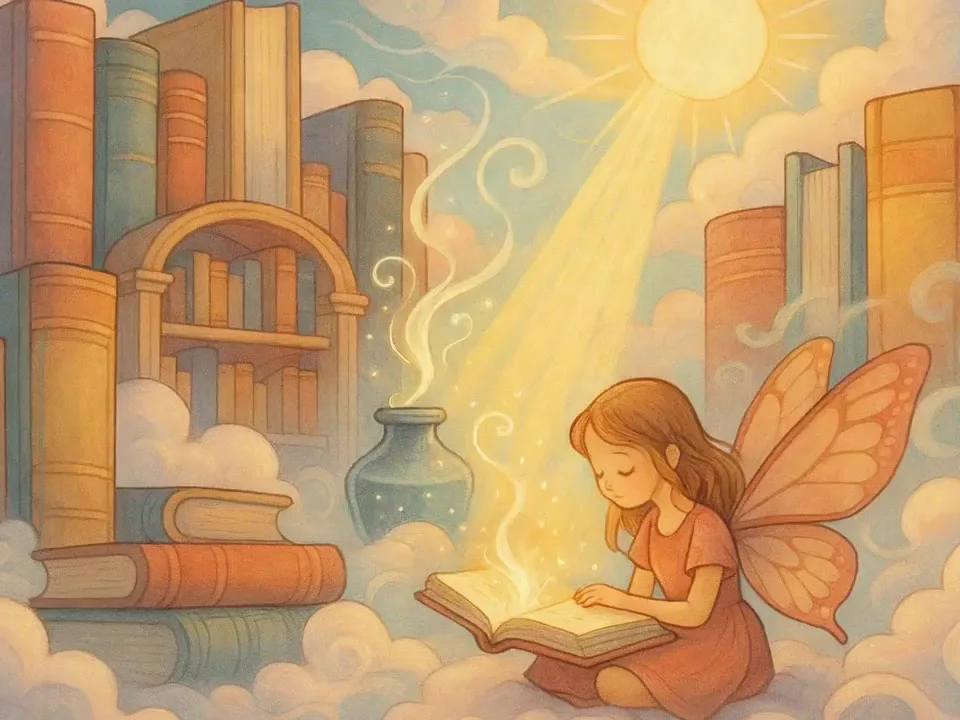
Image-to-video clip of a fairy girl reading among golden clouds

Three Inputs the AI Video Generator Accepts

Each tab is a different way to start a clip.

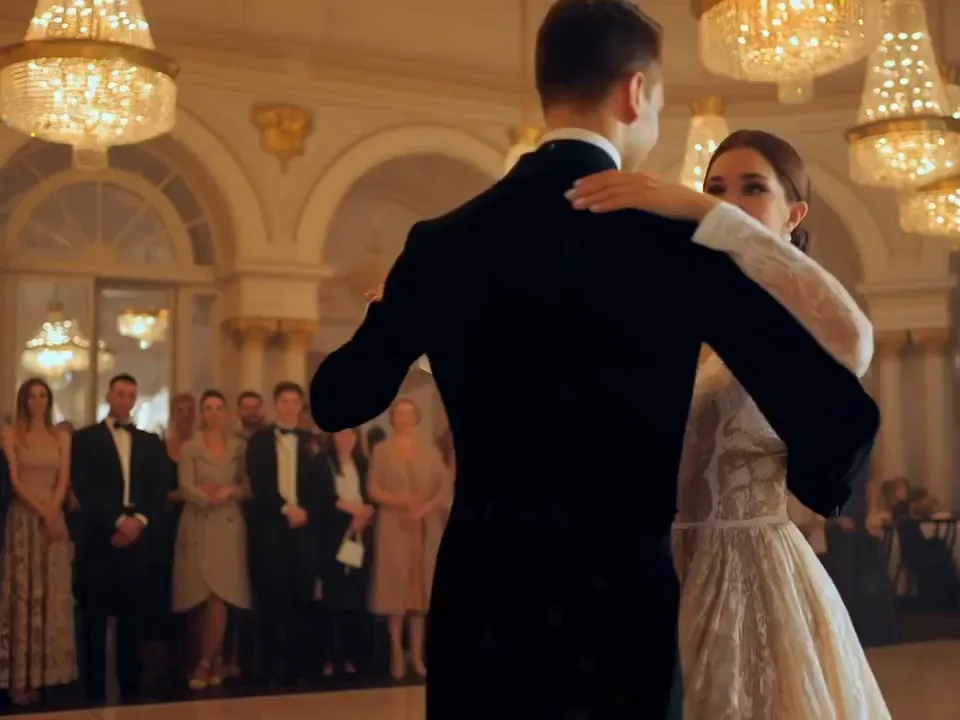
Text-to-video clip of a couple waltzing in a chandelier ballroom

Text to Video

Describe the scene, the action and the camera. Useful when you have no image yet and want to explore movement ideas.

What to expect

  • Scene in Words

    Subject, setting and action.

  • Camera Directions

    Pan, tilt, dolly or static.

  • Duration by Model

    Short to longer clips.

What the AI Video Generator Offers

Six capabilities across the video models.

01

Seventeen Versions

Seven video model families.

02

Image-to-Video

Start from any still you upload.

03

Sound on Some Models

Generated audio where supported.

04

Up to 15 Seconds

Durations vary by model.

05

Up to 1080p and Beyond

Resolution options per model.

06

Saved Clips

Every video kept in My Creations.

Who Uses the AI Video Generator

Three groups, two workflows each.

Podcast microphone in front of a recording monitor

Podcasters · Loop a Cover Art Background

Generate the cover scene as a still, upload it to the AI video generator as the first frame and ask for subtle motion such as drifting light or steam for an audiogram background.

Typical clips

  • Studio desk with moving light
  • Rainy window behind the host art
  • Slow zoom on episode art
  • Ambient loop for a live stream

Video editing timeline on a screen for a short teaser

Podcasters · Make a Clip Teaser

Pick a vertical format, describe a short visual hook for the episode topic and pair it with your audio in an editor.

Typical clips

  • Topic visual for a short
  • Guest intro background
  • Quote card with motion
  • Season trailer shot
Blank invitation card framed by flowers

Event Planners · Animate a Save-the-Date

Design the invitation scene as a still, then add gentle motion such as falling petals or a slow camera move for a shareable clip.

Typical clips

  • Wedding save-the-date
  • Gala announcement
  • Birthday invite clip
  • Conference countdown
Event venue decorated with light installations

Event Planners · Preview a Venue Theme

Upload a venue photo and describe the decoration and lighting moving into place, so clients see the mood before the day.

Typical clips

  • Table setting reveal
  • Lighting change preview
  • Stage backdrop motion
  • Entrance arch walkthrough
Game developer working at a computer with several screens

Indie Game Developers · Rough Out a Trailer Shot

Use key art as the first frame and describe the camera move. Treat what the AI video generator returns as a pitch or storyboard shot, not final footage.

Typical clips

  • Opening flyover
  • Character reveal turn
  • Boss arena push-in
  • Title card background
Hands playing a mobile game on a phone

Indie Game Developers · Make a Store Page Loop

Animate a still from your game's art style into a short loop for a store page or social post, checking that characters stay on model.

Typical clips

  • Capsule art loop
  • Environment ambience
  • Item showcase spin
  • Social teaser loop

How to Use the AI Video Generator

Three actions on this page.

  1. 01
    Step

    Bring a Frame or a Prompt

    Upload a still as the first frame in the AI video generator, or start from text.

  2. 02
    Step

    Pick Model and Settings

    Choose a version, then duration, resolution and sound where offered.

  3. 03
    Step

    Generate and Review

    Watch the clip in My Creations and download it.

AI Video Generator Questions

Inputs, lengths, sound and cost.

Can the AI video generator animate an image I made on this site?

Yes. Download the image from My Creations and upload it as the first frame here. There is no automatic transfer between the image and video pages.

Which engines sit behind this AI video generator, and who builds them?

Seventeen versions from Seedance, Veo, Kling, Wan, Grok, Hailuo and HappyHorse. Each brings its own durations, resolutions and inputs.

What clip lengths does each AI video generator engine allow?

It depends on the model: for example 5, 10 or 15 seconds on Seedance 2.0 and Kling 3.0, 6, 10 or 15 on Grok Standard, and 6 or 10 on Hailuo 2.3.

Do AI video generator clips have sound?

Only on models that offer it, such as Seedance 2.0, Seedance 2.0 Mini and Kling with the sound option on. Others return silent video.

Why can't I find image-to-video in the AI video generator after uploading a picture?

Some versions are text-only or use a separate mode for images. Switch to a version with a first-frame or image-to-video mode, and the upload slot appears.

Does a free account get any AI video generator runs?

The default Seedance 2.0 needs a Basic plan, but several versions are marked Free in the version bar. New accounts get 10 credits once, valid for 30 days, which may not cover longer or higher-resolution clips.

Nano Banana Pro

Have a Still That Should Move?